
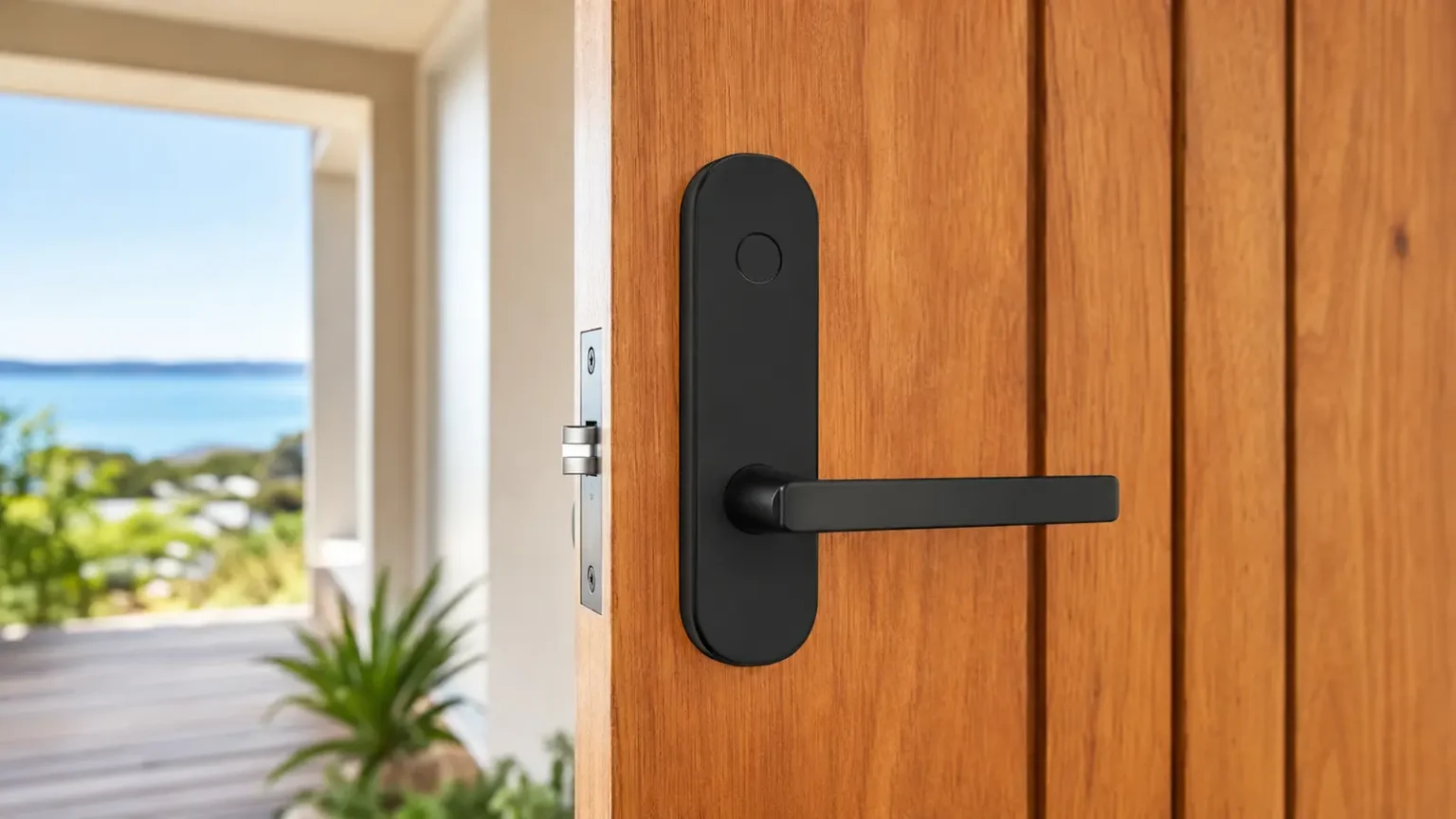
Digital locks without the gadget fog
Digital locks can remove day-to-day key handling for suitable doors, but the correct choice depends on the door, lock preparation, environment, users and emergency egress requirements.
Before choosing a lock
- Confirm the door and existing lock preparation
- Decide whether codes, cards, keys or app access are required
- Consider battery management and override access
- Check suitability for rental, shared or commercial use
- Consider fire and egress requirements where applicable
Abetta can advise whether a proposed digital lock is appropriate before holes are drilled into the door.
Digital lock options
AML-05 Digital LockCompact lever lock with five access methods.
AML-A5 Digital DeadboltDigital deadbolt with app and credential access.
Carbine Digital LocksSelected Carbine electronic and mechanical ranges.
Smart lock installation on the Sunshine Coast
Abetta supplies and installs suitable digital locks for homes and businesses across the Sunshine Coast. Start with the door and the people who use it: a keypad for everyday entry, individual access codes for authorised users, or a compatible lock with app access may suit different needs.
Can a smart lock replace my existing lock?
Send photos of the door from both sides, the door edge and the existing lock, together with your suburb. Existing holes, door thickness, frame clearance and the condition of the hinges and latch all affect the options. A sticking or misaligned door needs attention before a new lock can work reliably.
Some installations can use existing preparation; others need alterations. We can explain the proposed work before installation. For an apartment or managed building, tell us whether the entrance is a fire door or part of a shared key system so the relevant suitability and approval requirements can be checked.
Choosing access methods and planning for flat batteries
- PIN access: consider who needs a permanent code and whether the selected model supports temporary access.
- Cards and fingerprints: check that the chosen model offers the access methods your household or staff can use comfortably.
- App and remote access: phone access does not necessarily mean access from anywhere. Remote functions may require a compatible gateway, network connection or additional equipment.
- Backup access: understand the model’s low-battery warning and emergency access procedure, and keep any override key accessible away from the locked premises.
- Exposure: check the manufacturer’s requirements for rain, direct sun and exposed coastal locations before choosing a model.
Installation and everyday use
Discuss the lock’s operation, user access and backup procedure at installation. Keep administrator access under your control, remove credentials when they are no longer needed and follow the manufacturer’s battery and maintenance instructions. Features vary between models; confirm the functions you need before ordering.
Is a digital lock the right solution?
If the main problem is too many keys or uncertainty about who has copies, rekeying or keying compatible locks alike may be enough. For businesses needing controlled key duplication, compare restricted key systems and master key systems. We can help assess the practical options for your doors.
Send photos and request a smart-lock estimate, or call 07 5443 7245.